
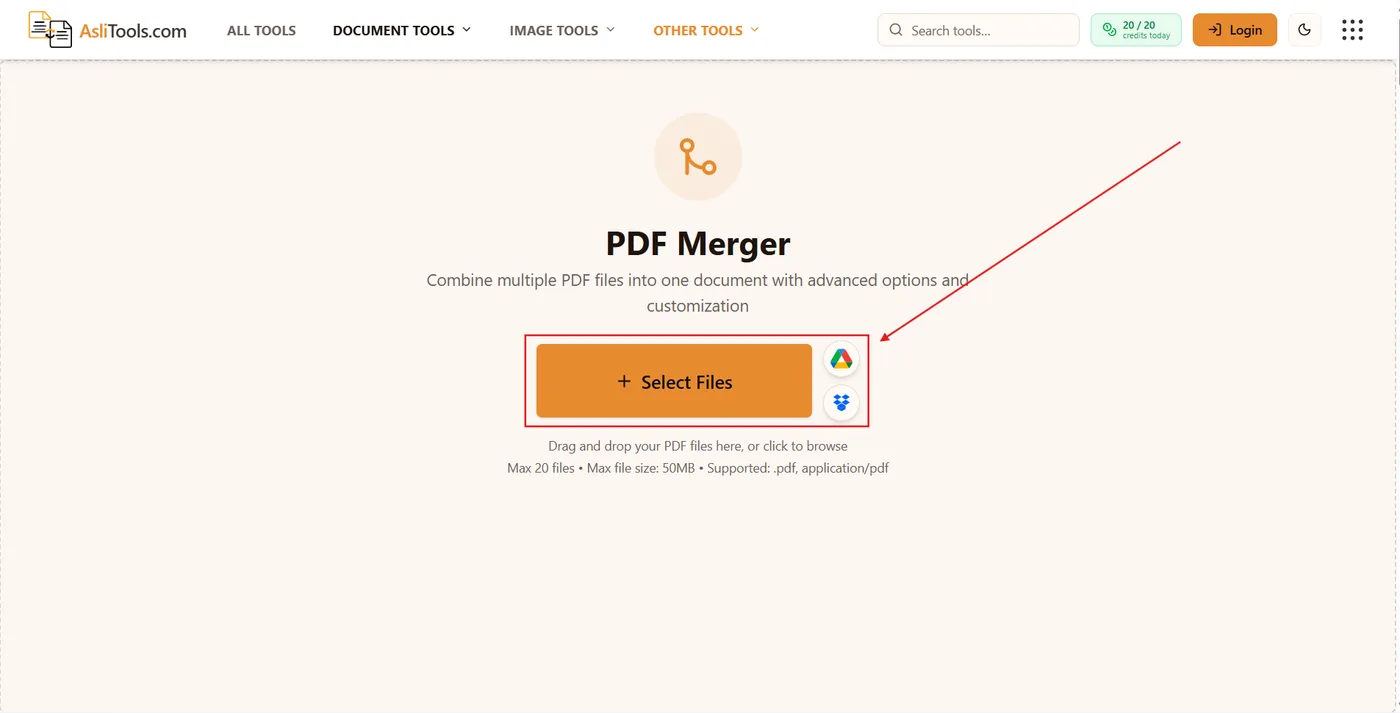
PDFPDF merger
How to Merge PDF Files Online Free (No Install, No Watermark)
Step-by-step guide to merge multiple PDFs into one file in your browser. Free, private, no Adobe Acrobat — with tips for order, page ranges, and file size.
Read articlePractical how-tos for converting files, editing images, and getting the most out of Asli Tools — written by the team that builds them.
Step-by-step guide to merge multiple PDFs into one file in your browser. Free, private, no Adobe Acrobat — with tips for order, page ranges, and file size.
Read article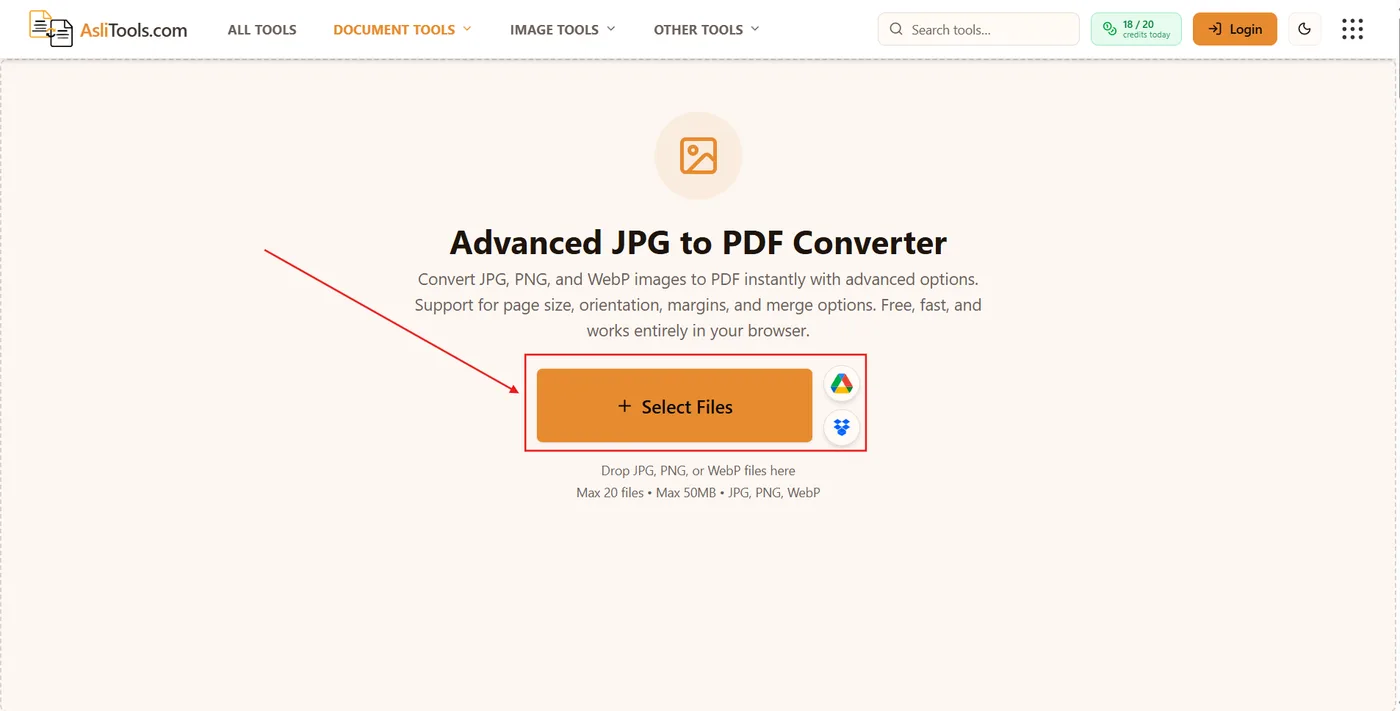
Learn how to turn JPG images into a multi-page or single-page PDF in your browser — page size, merge mode, quality tips, and privacy notes for scans and receipts.
Read article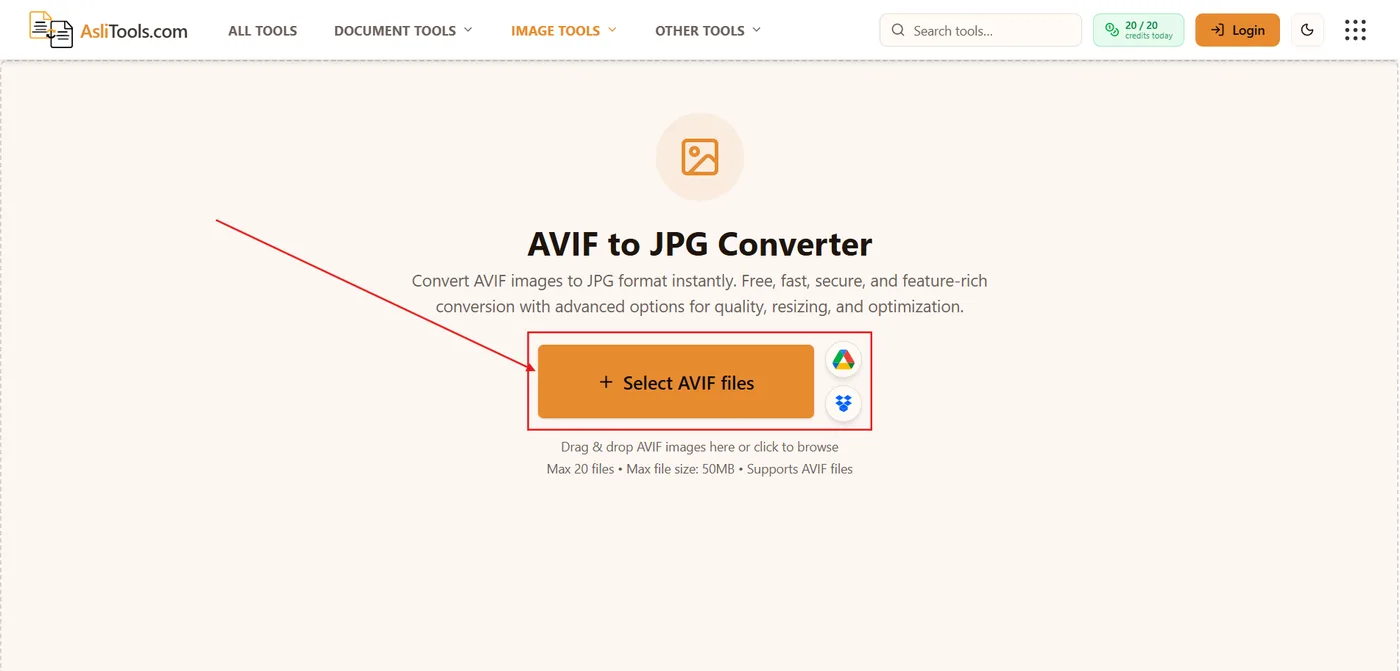
AVIF files won't open in Photoshop, Office, or your CMS? Learn what AVIF is, when to convert to JPG, and how to use Asli Tools' free browser-based AVIF to JPG converter — no upload, no signup.
Read article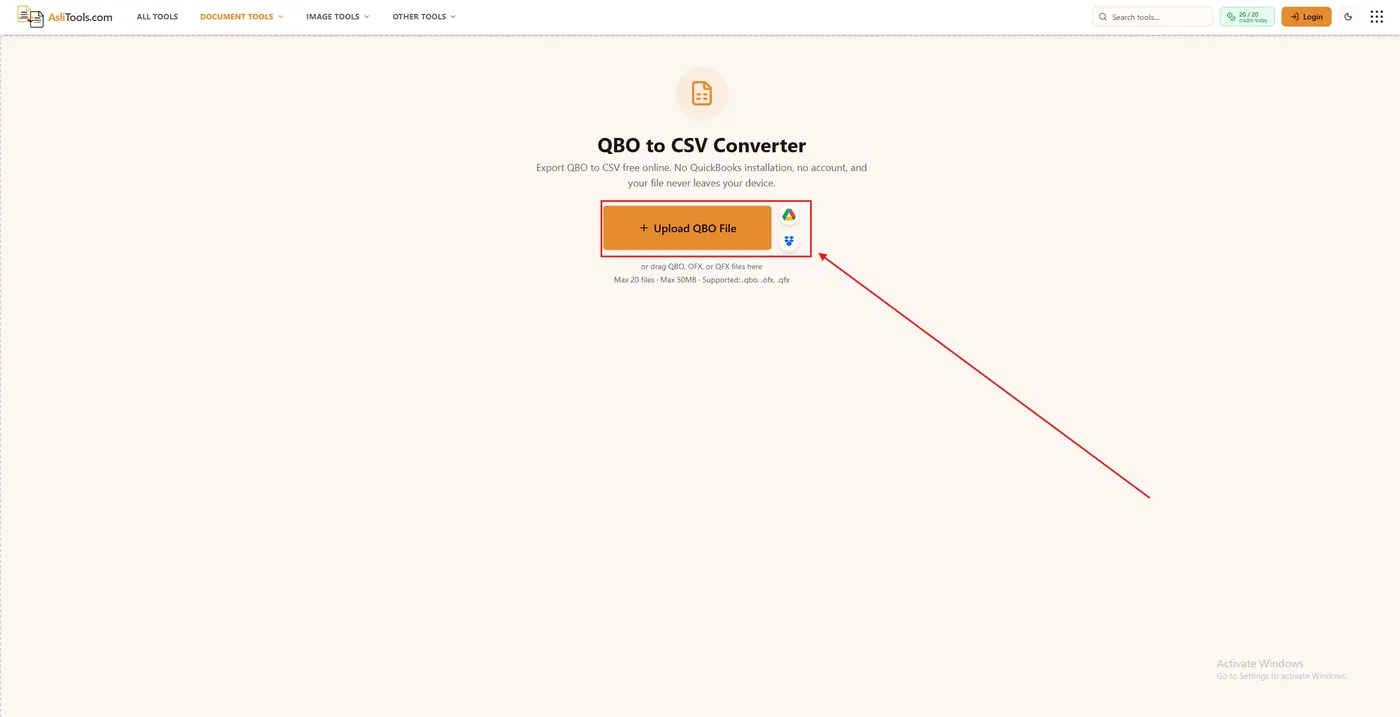
Got a .qbo file and no QuickBooks? Learn what QBO contains, why Excel rejects it, and how to convert QBO to CSV in your browser in five minutes.
Read article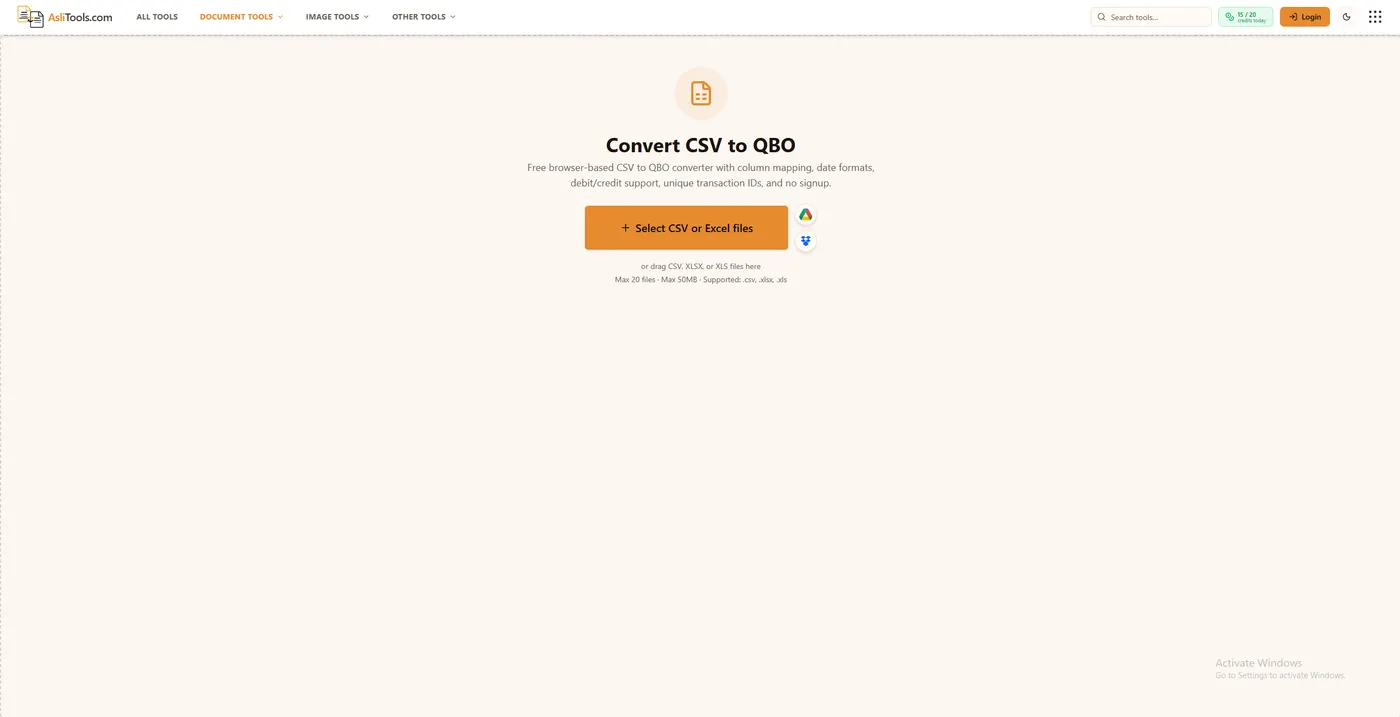
Import bank transactions into QuickBooks Online from CSV — the column formats QBO expects, upload steps, common errors, and how to avoid duplicates.
Read article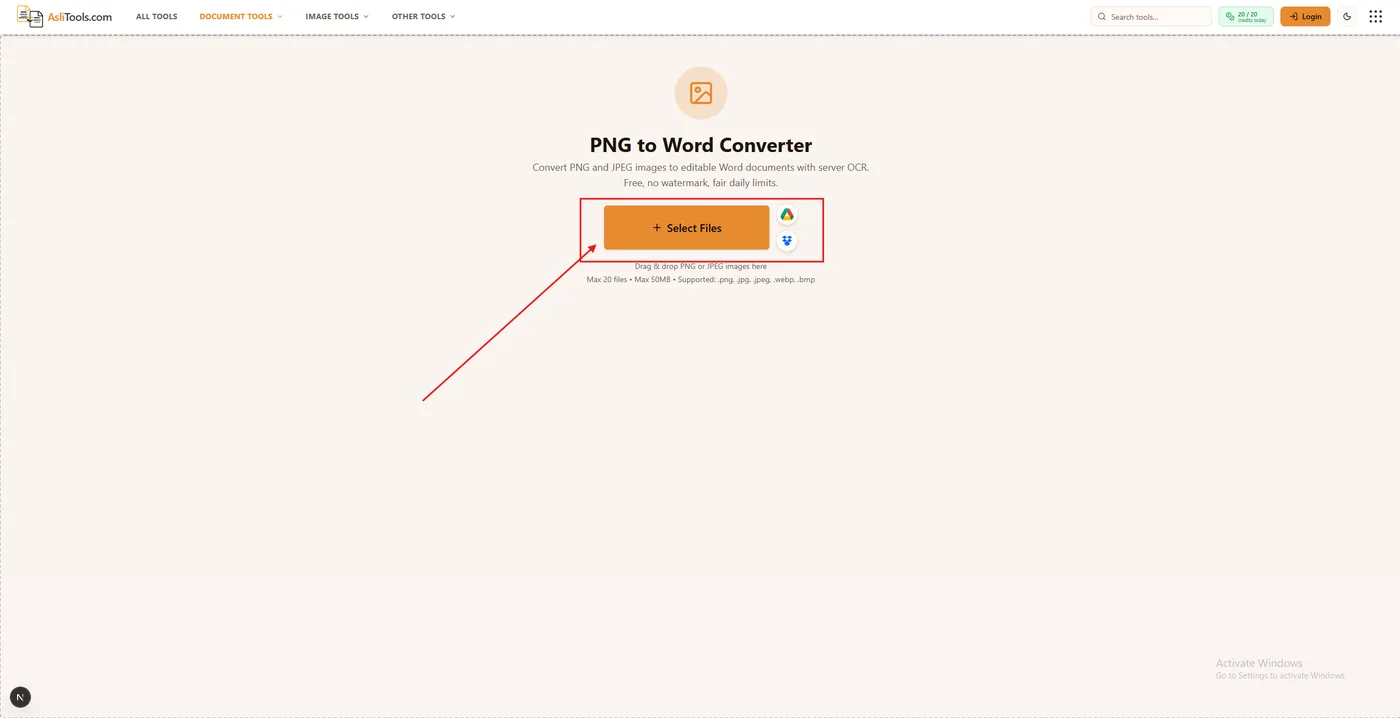
Convert PNG (or JPEG) to an editable Word DOCX online. Step-by-step OCR guide, accuracy tips, DOC vs DOCX, and privacy notes.
Read article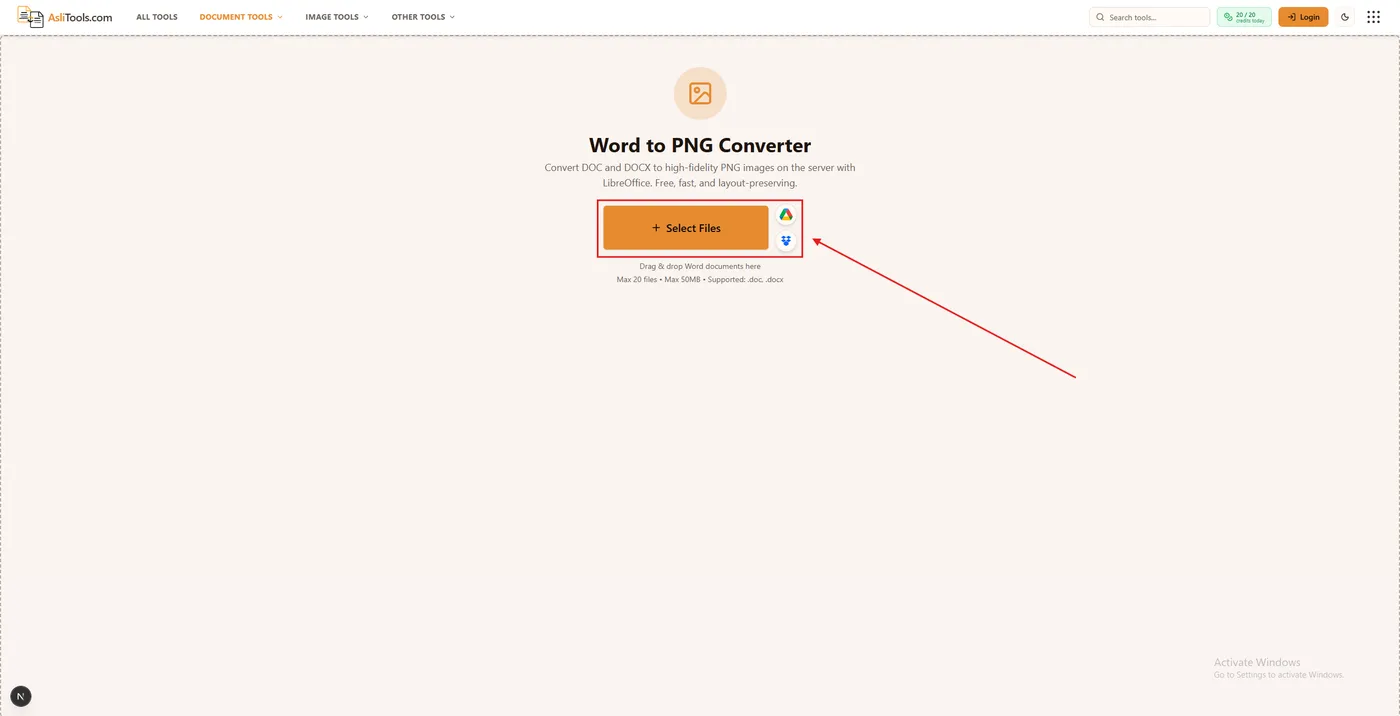
Convert Word DOC/DOCX to PNG images online. Step-by-step guide, DOC vs DOCX, privacy notes, and fixes for blurry or multi-page exports.
Read article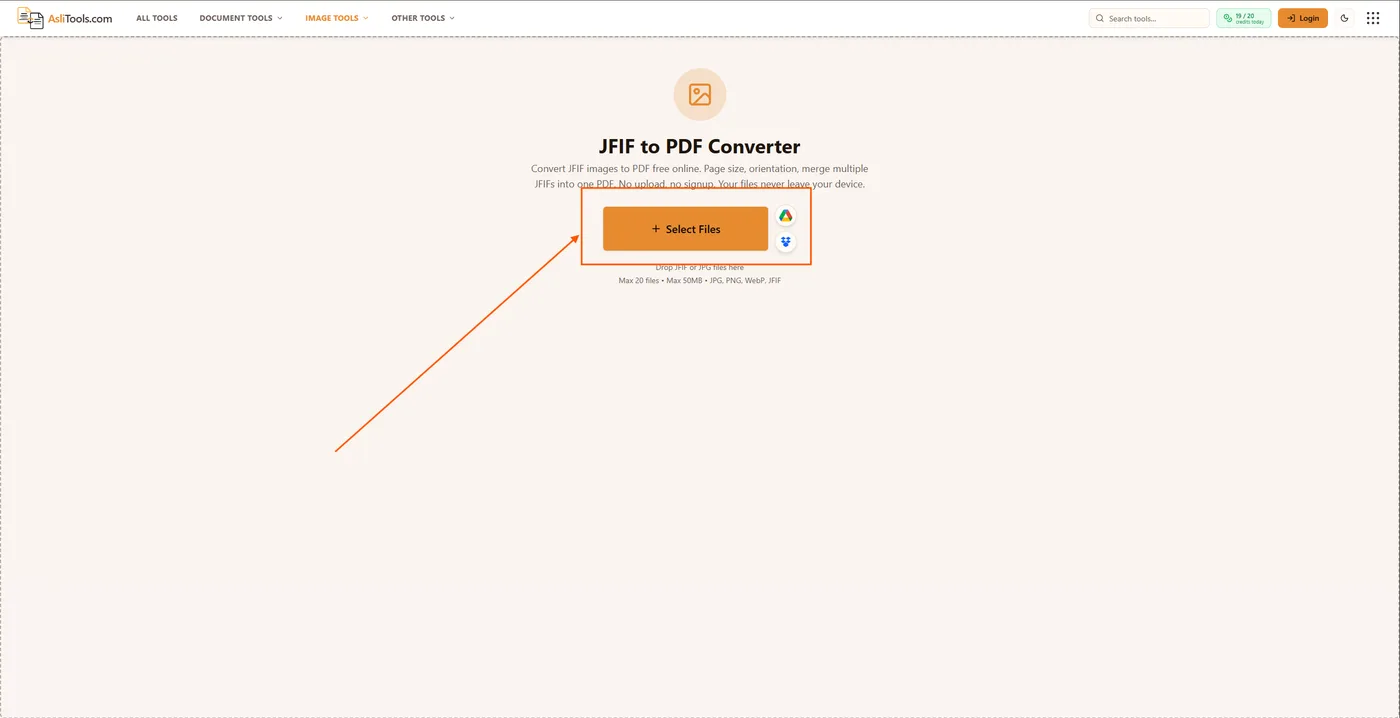
Windows saved your photo as .jfif instead of .jpg? Learn what JFIF files are, when to convert to PDF, and how to use Asli Tools' free browser-based JFIF to PDF converter — no upload, no signup.
Read article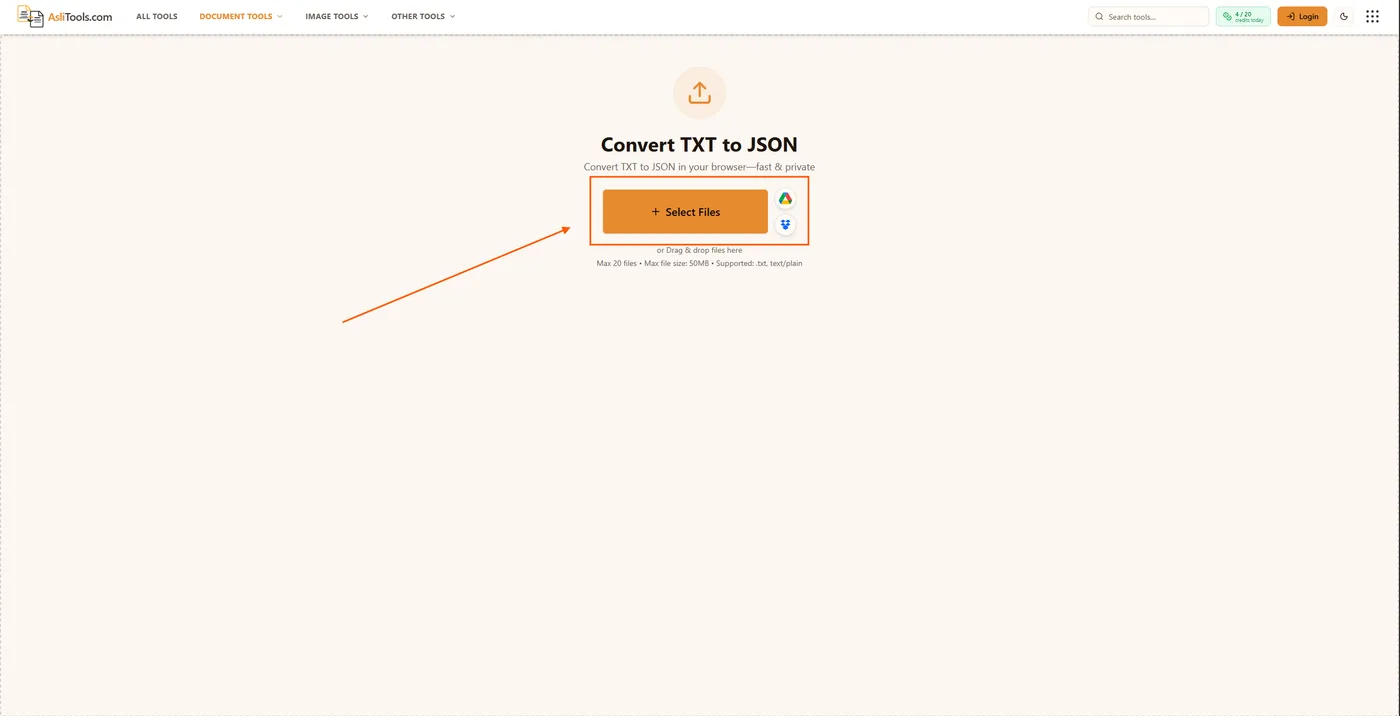
Learn how to convert TXT to JSON the right way, including string arrays, key-value pairs, and encoding fixes. Free browser-based converter, no upload required.
Read article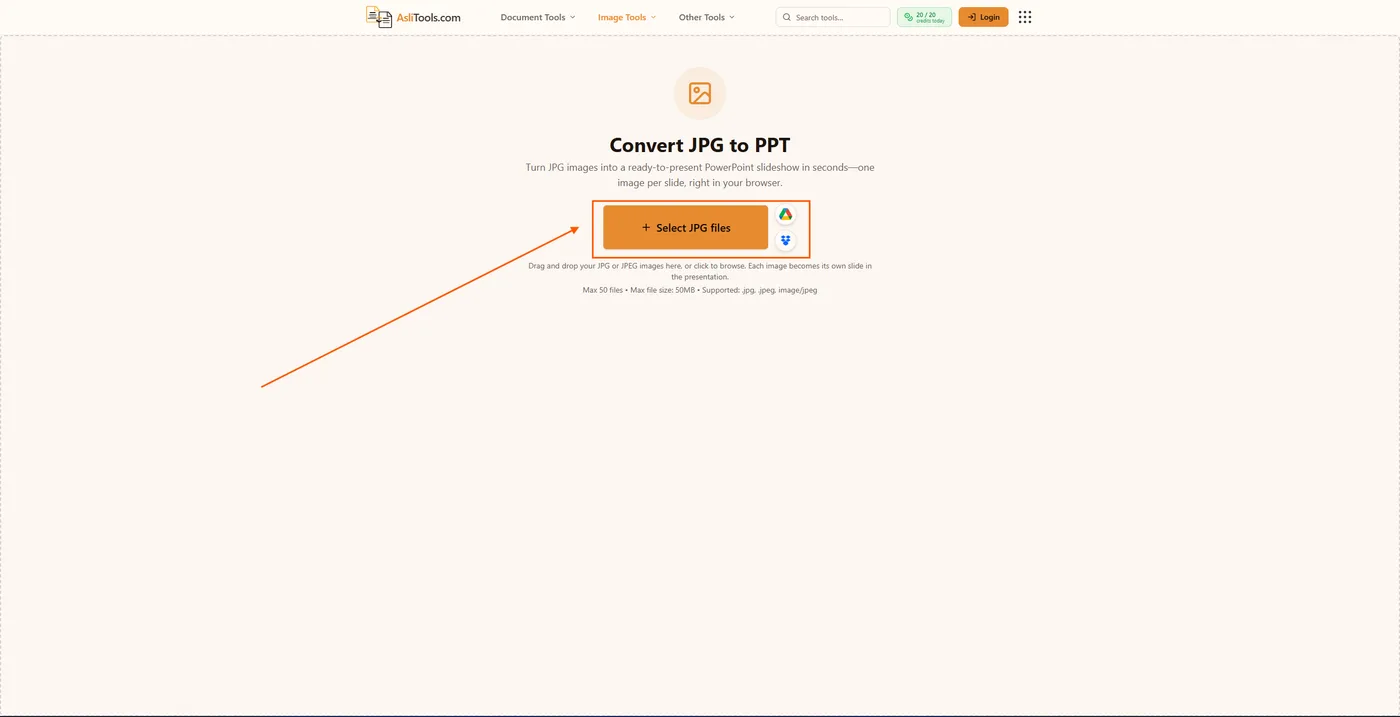
A practical guide to converting JPG images into PowerPoint slides — the file-naming trick, the resolution mistake almost everyone makes, and when to skip PowerPoint entirely.
Read article